20 March 2015

GIMP

The final piece of photo editing software that we are learning about is called GIMP.  This is a free and open source software, which means that anyone can use it and edit it for free.  It can be complicated, so we learned just about a few of the things that it can do.  This software can crop and adjust color, just like Preview and iPhoto, but it can do a lot more.  We had fun playing with the filters, changing colors on the photos and erasing bits of people with the clone tool. 


 Marita Tunutmoak Colorful Uluaq


Kaitlyn Henry Pink and Green Meghan 
Elia Guest White Mountains


Our young photographers have started to bring the cameras home for the evening... being very responsible with them, keeping them safe, returning them the next day, and taking lots and lots of pictures.  Sydney Cleveland did an excellent job at that with a total of 118 photos!  

Photo by: Meghan Cleveland

Photo by: Meghan Cleveland

Photo by: Sydney Cleveland


Photo by: Sydney Cleveland

Photo by: Sydney Cleveland

Photo by: Tenaya Tunutmoak

Photo by: Tenaya Tunutmoak


19 March 2015

Art Show Poster Vote

Its that time again, when we need to get our art show poster ready.  Today the group selected which two young photographer's work would be featured on the poster.  Congrats to Gwendaline Thomas and Kayleen Small! You have been selected by your peers to represent our group.  The other nominations are not to be left behind, as their pictures are just as good.

Winner! Gwendaline Thomas Mountain Landscape

Winner! Kayleen Small Portrait of Angela Jones

Angela Jones Mountain Landscape with Tenaya Tunutmoak

Amber Jones Palraiyuk Artifact

Sydney Cleveland Picture of a Picture on Computer

Sydney Cleveland Quinhagak Landscape with Angela Jones

Sydney Cleveland Action Shot of Marita Tunutmoak

Tenaya Tunutmoak Owl Artifact


iPhoto editing


  The day began with more photo editing, this time using iPhoto.  This has some more features than Preview, such as effects...


Kayleen Nicolai tried out the Vignette on her photo called Pumba. 


Sydney Cleveland used Matte and Edge Blur for her picture called Action Puppy.


18 March 2015

Photo Editing

Now that some of our young photographers have taken some pictures, it is time to edit them on the computer.  Thanks to the school here in Quinhagak, Kuinerrarmiut Elitnaurviat, we are able to edit our photos on 12 borrowed MacBooks.  


We started out with some simple editing on Preview.  We learned how to crop images to cut out some of the empty space or get rid of things that we don't want from the background.  Also there are many ways to adjust the color of the image, for example if the image was underexposed (not enough light) we can change that under tools to make it lighter.  We try to take the best photos we can at the time, but it is good to know that we can fix almost anything on the computer.  

After editing our photos we save them on our very own USB drives.  It is important to organize our photos into files by date or subject, that way we can find them easily and keep track, remembering always to make a copy of the picture we are editing so that we have the original file as well.


Tonight is the first night we get to start taking the cameras home.  Four of us were selected and are responsible for the cameras (remembering if we lose or break them, there are no replacements).  We are exited to be able to take the cameras home, that way we can take pictures of life at home as part of our photo essays for our Photographic Time Travel Art Show.

17 March 2015

Take 2

School is back in session in Quinhagak, which brought more young photographers to the workshop today.  With some new faces in the group, we reviewed what we had learned last week about taking different shots such as: artifact, museum, portrait, landscape, action, panoramas, ect.  As today was above freezing and one of the first nice weather days in a while, the crew opted to go outside to practice taking photos.  


16 March 2015

Chilly photo taking

Continuing to practice different types of photos, today we worked on a few more techniques.  For every shot making sure we think about what is in the background, what setting our cameras were on, lighting and so forth.  To begin the day we went outside (as it was slightly warmer today than it had been this week, but still chilly).  Action shots were first on the list today.  Luckily we had Lucky to help us out with some of those.


 Taking action shots with the pup was hard for some of our young photographers as he wanted to play with everyone.  Here Angela Jones is running away from the little guy (photo by Jacqui Graham).


Meghan Cleveland took a good shot of Lucky and Jacqui playing.


Here Sydney Cleveland caught Marita Tunutmoak in a great action shot.


After running outside for a bit, we all got cold and went back into the building to practice our picture of picture shots and warm up. For part of our photo essays we are going to take picture that demonstrate life in the past.  One way we are going to do this is to look at the visual resources that already exist, such as photos in books, digital photos of artifacts, and 3D digital models.


Here we have Meghan and Sydney looking at photos on the iPad.


 Marita is trying different
angles for her picture of picture shots.

This is Angela Jones' Picture of a picture shot.  Some of our young artists in the drawing workshops took some selfies, of which Angela then took a picture of on the computer (technology...pictures...technology...pictures)


 After we were thoroughly warmed, we traveled outside again to work on landscape photos.  It was a clear day today which meant that we could get some great pictures of the mountains outside of Quinhagak.


Tenaya and Angela looked toward the mountains...


While Gwen included Tenaya in her landscape. 


Here we have Tenaya Tunutmoak's shot.


And here is one that Gwendaline Thomas took (without Tenaya in it).
Once again chilled, we ventured inside to finish up the day with panorama shots. 

It is really cool that our cameras have a panorama setting on them, so we don't have to stitch them together ourselves, but we learned it can be a bit hard as you need to move the camera at a steady pace and not wiggle.
Marita Tunutmoak caught a took a good one.  She even managed to get Angela Jones in it without her moving.  Good job!


13 March 2015

Learning to see

Today we started learning how to see... we learned today that different types of photo shots require one to look at things differently.  We started to practice some of the different types of shots that we talked about yesterday.  With our time today we each got to take an archaeological artifact shot, a museum artifact shot, a full body portrait and a bust portrait.  For each kind of picture we had to set up the shot differently.  With the archaeological artifact shot, we learned that we as photographers had to be above the artifact for the shot, look for the lighting so there were few to no shadows, have a plain background (white, black or grey), and very importantly all artifact shots had to have a scale in them.  The primary purpose of these is for documentation, so... they were kind of boring looking.


Meghan Cleveland's Artifact Shot of a Maskette


Then we moved on to museum shots.  These were of artifacts, but the angles were different and shadow were good.  These types of pictures are to make the artifacts look "aesthetically pleasing" aka really cool.


Tenaya Tunutmoak's Museum Shot of Owl


To finish off our day we took some full body and bust portraits.  Here we had to keep in mind what was in the background, how we wanted to pose our models and how shadows fell on them.


Kaitlyn Henry's Full Body Portrait of Meghan Cleveland


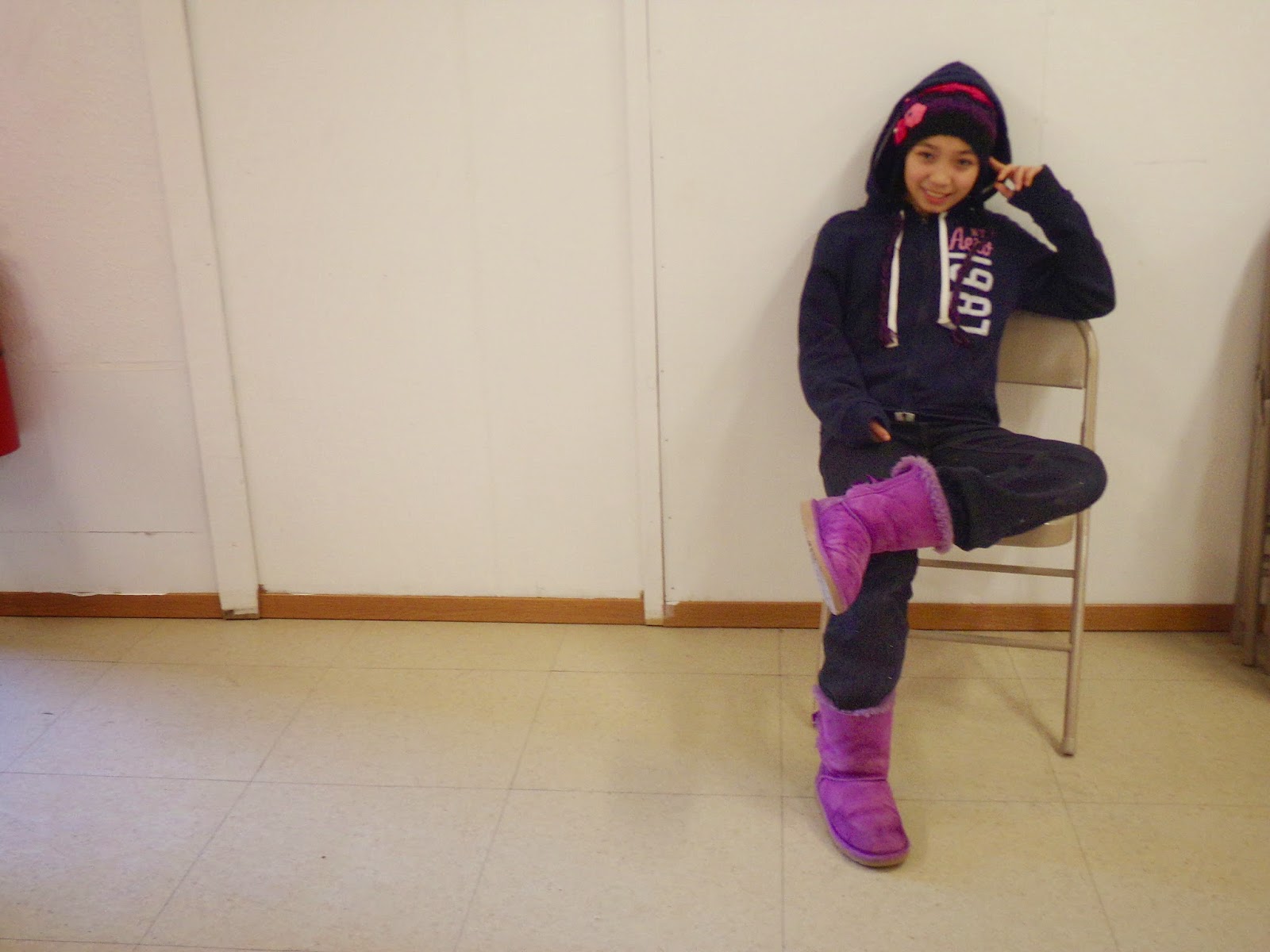
Angela Jones' Full Body Portrait of Marita Tunutmoak 


Kayleen Small's Bust portrait of Angela Jones